
Smart Blinds™ Compatible with Alexa
"Alexa, open the blinds." Control every window in your home with your voice. Set schedules, create routines, and enjoy hands-free convenience.
Read moreExplore more Motorized
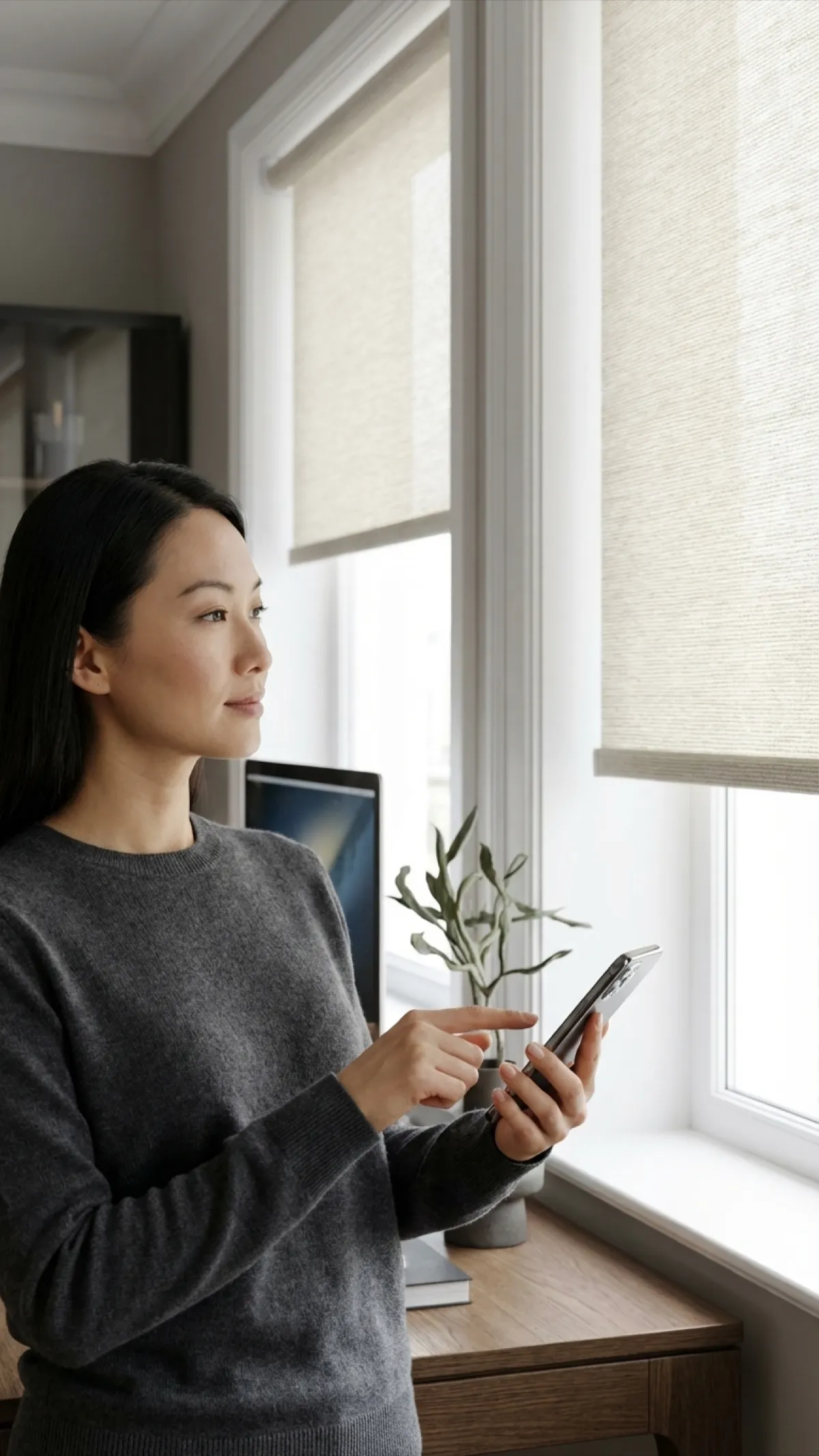


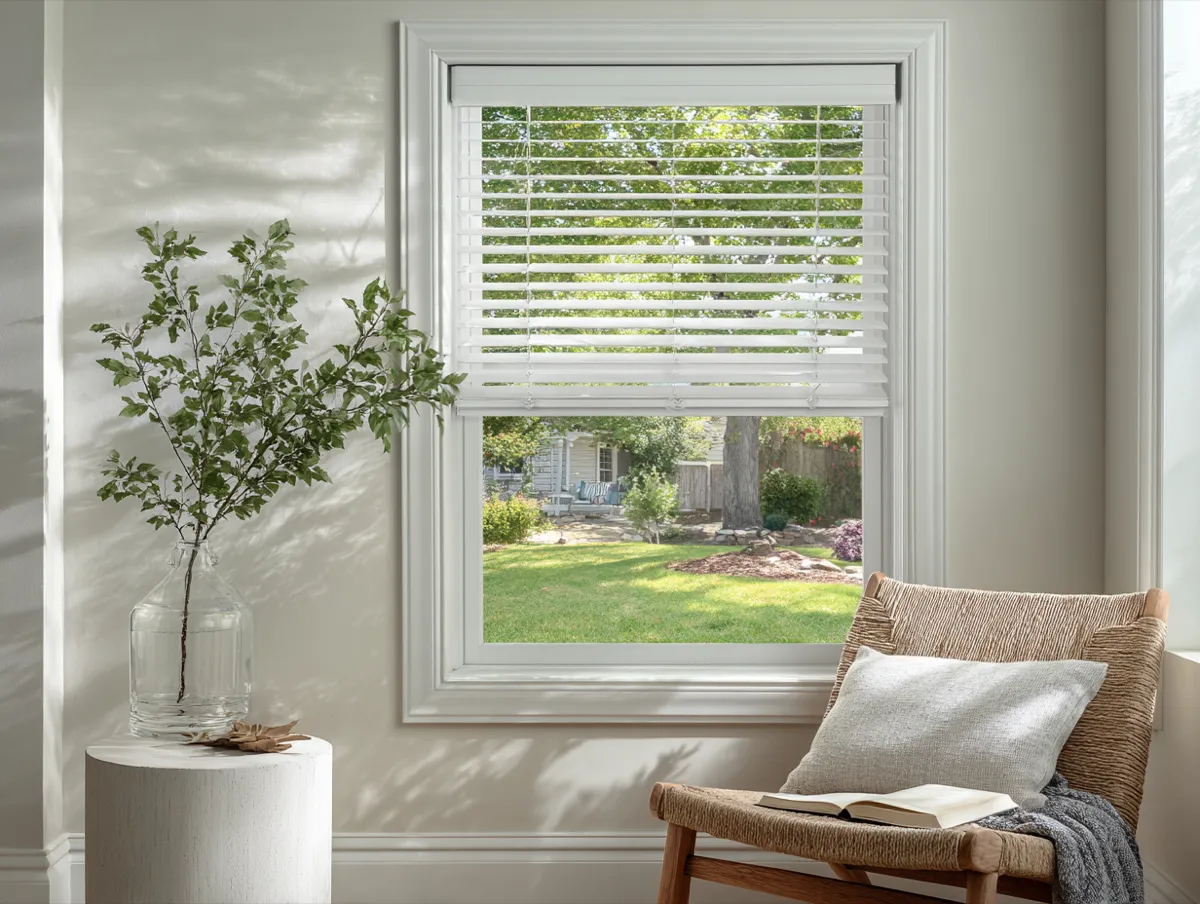






Alexa Voice Commands for Your Blinds
Just speak naturally. Alexa understands a wide range of commands to control your smart blinds.
Set Up in 5 Simple Steps
From unboxing to voice control in under 15 minutes. No electrician or smart home expertise needed.
Install Your Blinds
Mount your motorized smart blinds following the included instructions. Charge the battery or connect hardwired power.
Connect to Wi-Fi
Plug in the Wi-Fi bridge that comes with the smart-home option and follow its app to add your shades to your home Wi-Fi.
Enable the Alexa Skill
In the Alexa app, enable the bridge app's Alexa skill and sign in. Alexa then discovers your shades.
Discover Devices
Say "Alexa, discover my devices" or tap Discover in the Alexa app. Your blinds will appear automatically.
Name & Group
Rename each blind (e.g., "Bedroom Blinds") and assign it to the correct room in the Alexa app for grouped control.
Alexa-Compatible Products
All of our motorized smart blinds work seamlessly with Amazon Alexa right out of the box.
Motorized Roller Shades
Clean, modern look with smooth motorized operation. Available in 40+ fabrics.
Motorized Solar Shades
Block UV rays and glare while preserving your view. Openness levels from 1% to 10%.
Motorized Blackout Cellular Shades
Total light blocking with superior insulation. Perfect for bedrooms with Alexa sleep routines.
Powerful Alexa Routines
Combine your smart blinds with other Alexa devices for fully automated daily routines.
Morning Routine
- 6:30 AM Blinds open to 50%
- 6:30 AM Lights fade on
- 6:30 AM Weather briefing plays
- 7:00 AM Blinds open to 100%
Movie Night
- Step 1 Blinds close fully
- Step 2 Lights dim to 10%
- Step 3 TV turns on
- Step 4 Thermostat adjusts
Away Mode
- 8:00 AM Some blinds open
- 12:00 PM Blinds adjust randomly
- 6:00 PM Lights turn on
- 9:00 PM Blinds close
Works with Your Entire Alexa Ecosystem
Why Choose Alexa-Compatible Smart Blinds™?
Voice Control
Open, close, and adjust blinds with simple Alexa voice commands. No need to lift a finger.
Automated Routines
Set blinds to open at sunrise and close at sunset. Create Alexa routines for effortless daily schedules.
Enhanced Security
Make your home look occupied while away. Schedule blinds to open and close on a timer for added security.
App Control
Use the Alexa app or the bridge's app to control blinds from anywhere, even when you are not home.
Easy Setup
Connect to your existing Alexa setup in minutes through the smart-home option's small Wi-Fi bridge.
Group Control
Control all blinds in a room or the entire house with a single command. Create custom groups in the Alexa app.
Built for Smart Homes
Perfect For Every Room
Bedrooms
Set an Alexa routine to close blackout blinds at bedtime and open them gently in the morning as your alarm.
Living Rooms
Ask Alexa to adjust blinds for movie time or let in natural light. Group all living room blinds for one command.
Home Office
Reduce screen glare with a voice command during video calls. No interruption, no distractions.
Alexa-Compatible Smart Blinds™ FAQ
Common questions about Alexa-compatible smart blinds
How do I connect my smart blinds to Alexa?
Set up the Wi-Fi bridge that comes with the smart-home option in its app, then enable its Alexa skill in the Alexa app and sign in. Alexa discovers your blinds, and you can rename them (for example "Bedroom Blinds") and assign them to rooms.
What Alexa devices work with smart blinds?
Our smart blinds work with every Alexa-enabled device including Echo, Echo Dot, Echo Show, Echo Pop, Echo Studio, Fire TV Stick, and third-party Alexa devices. Any device that supports Alexa skills will work. You can even control blinds from Alexa on your phone.
What voice commands can I use?
You can say commands like "Alexa, open the bedroom blinds," "Alexa, close all blinds," "Alexa, set the living room blinds to 50%," or "Alexa, raise the kitchen shades." Alexa supports open, close, raise, lower, and percentage-based positioning commands.
Can I create Alexa routines with smart blinds?
Yes. In the Alexa app, go to Routines and add a Smart Home action for your blinds. You can trigger blinds to open or close based on time of day, sunrise/sunset, another device action, or a custom voice command. For example, create a "Good Night" routine that locks doors, turns off lights, and closes all blinds.
Do I need a smart home hub for Alexa integration?
You don't need a separate smart-home hub, but you do need the small Wi-Fi bridge that comes with the smart-home option. The bridge connects your shades to your home Wi-Fi so Alexa can reach them. Without it, the shades work with the included remote.
Will my smart blinds still work if my internet goes down?
Yes. The blinds can still be controlled manually using the built-in button on the motor or the included remote control. The rechargeable battery keeps them operational. You will regain voice and app control once your internet connection is restored.
Get Exclusive Offers & Inspiration
Sign up for our email list for exclusive deals and design inspiration.