
How Motorization Works
A motorized shade is an ordinary shade with a small motor hidden inside the roller tube. Here is exactly what that motor is, how it is powered and charged, how you pair and control it, and what it needs from you over the years.
Read moreExplore more Motorized
4 Products


 +98
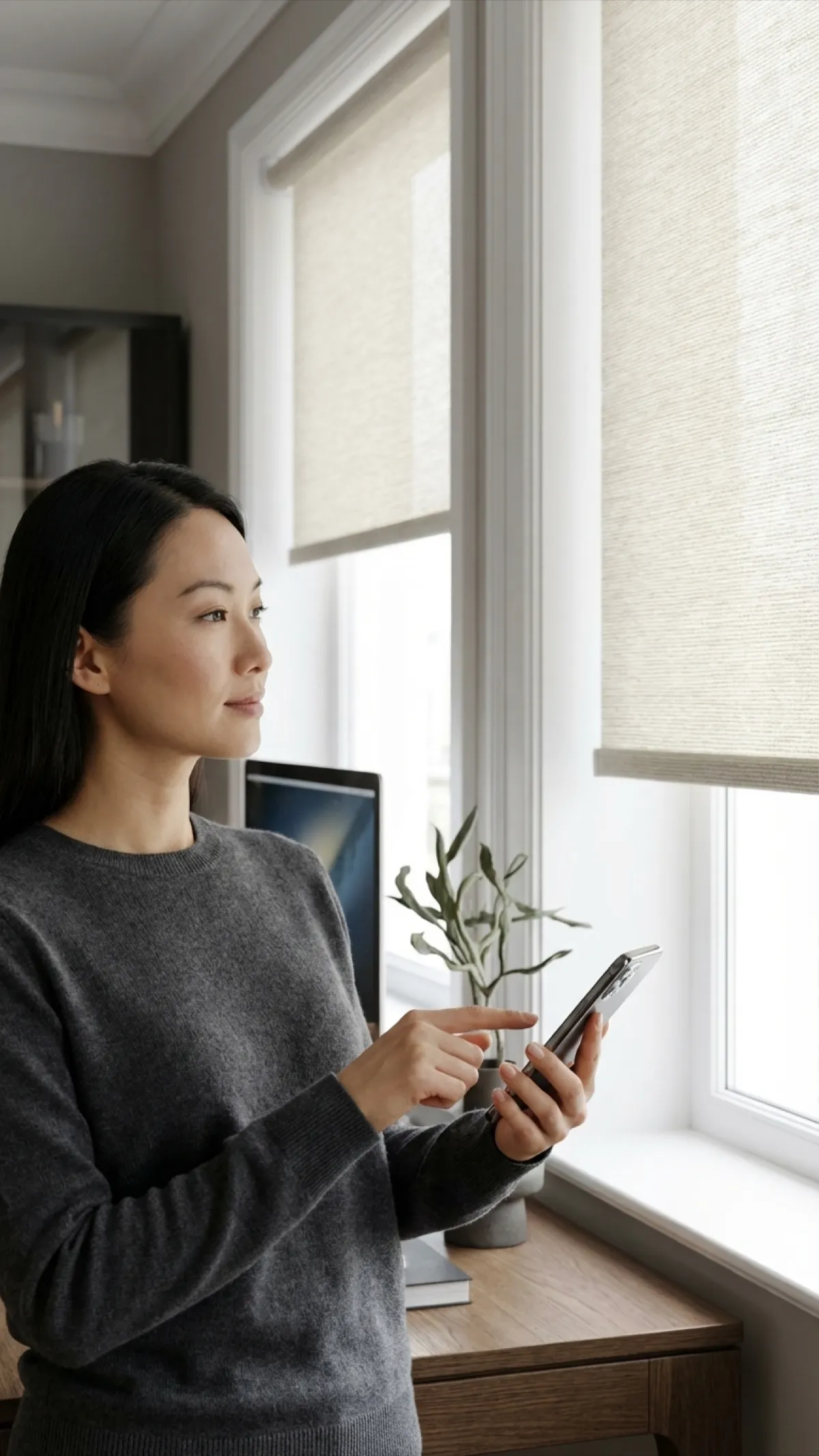
+98Motorized Roller Shades
$84.92for 24" x 36"
Free Shipping · Made to Measure
 +98
+98Motorized Solar Shades
$100.14for 24" x 36"
Free Shipping · Made to Measure


 +67
+67Motorized Blackout Cellular Shades
$122.14for 24" x 36"
Free Shipping · Made to Measure
 +98
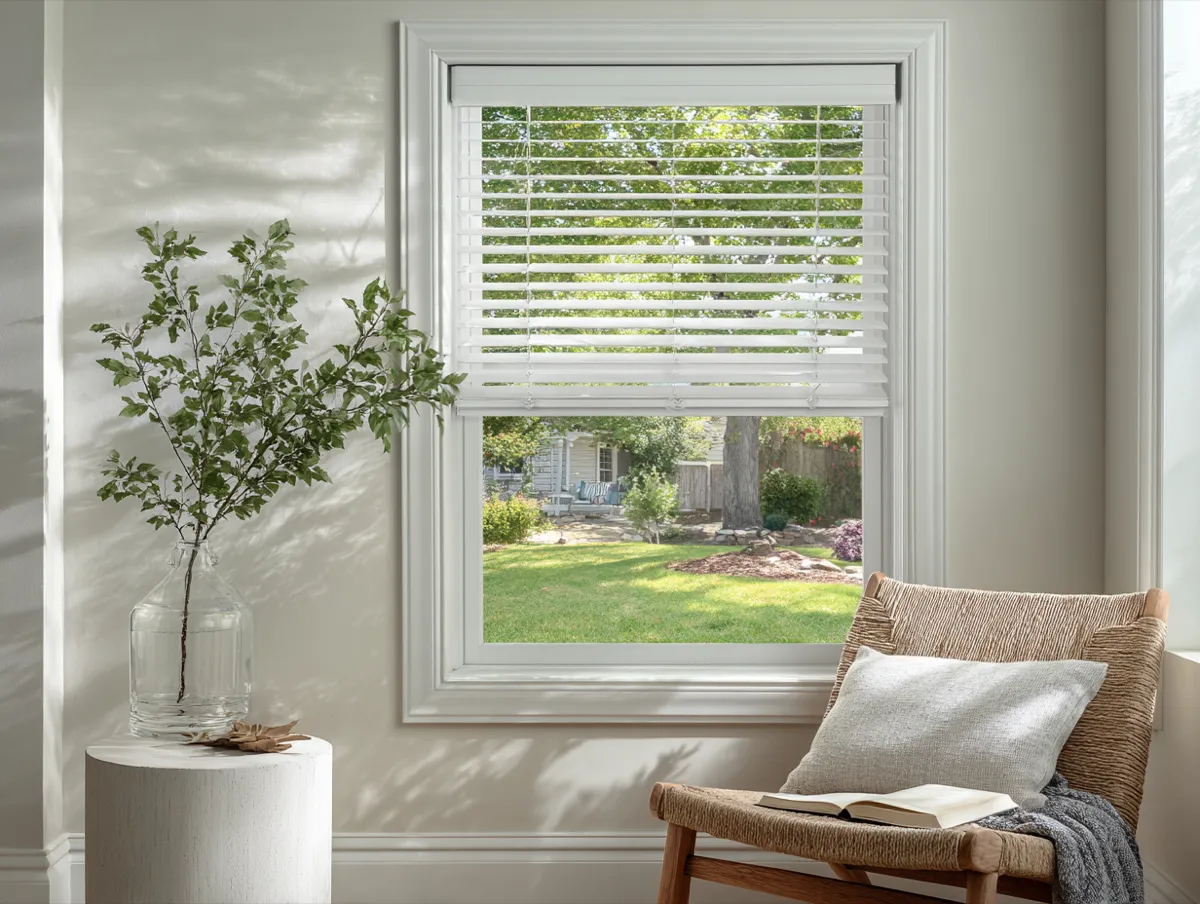
+98Motorized Faux Wood Blinds
$154.83for 24" x 36"
Free Shipping · Made to Measure
Choose with a little more clarity
Not sure which shade to choose?
Compare a live-priced shortlist by room, light and operation. No login or email needed.
What the motor is
Inside the roller tube of a motorized shade is a tubular motor: a slim cylinder, roughly the diameter of a broom handle, containing a small DC motor, a gearbox that turns it slowly and quietly, the radio receiver that listens to your remote, and the battery. One end is fixed to the bracket; the other end drives the tube. When you press down, the motor turns the tube and the fabric unrolls; the gearbox holds it wherever it stops. On a cellular shade the same motor sits inside the headrail and winds the lift cords instead of a tube.
Why it doesn’t slip or sag
The gearbox is self-locking: with no power applied it cannot be back-driven, so the weight of the fabric can’t pull the shade down. That is also why a flat battery leaves the shade exactly where it stopped rather than letting it drop.
Power and charging
Every motor we sell is battery-powered — there is no wiring into the wall. You choose how the battery is kept charged.
Rechargeable battery motor
- How it’s powered
- Lithium pack inside the motor; charge from the supplied cable at the motor head.
- Charging
- About 6–12 months per charge in normal use; a few hours to recharge.
- Best for
- Any reachable window. The default choice.
Solar motor
- How it’s powered
- Same motor plus a slim solar panel on the glass side of the headrail that keeps the battery topped up.
- Charging
- Self-charging with a few hours of daylight a day; no cable.
- Best for
- Skylights, high windows, anything you'd need a ladder to reach.
Charging, step by step
- The remote or app shows a low battery, or the shade starts moving noticeably slower.
- Find the charging port on the motor head at the end of the headrail (the shade stays on the window).
- Plug in the supplied cable and adapter; the indicator light shows charging.
- A few hours later the light shows full — unplug. Done until next season.
How long a charge lasts depends on how much fabric the motor lifts and how often. A small light-filtering shade moved twice a day will go a year; a 96"-wide blackout roller on a schedule that moves it six times a day will want charging closer to every six months.
Pairing the remote
The motor and the remote talk over radio, so they have to be introduced once. Shades ship already paired to their remote and with the limits set to your window height, so the usual answer is: you don’t have to do anything. When you do — adding a second remote, a hub, or a new shade to a remote you already have — it takes a minute:
- Choose the channel on the remote you want the shade to live on.
- Press the pairing button on the motor head; the shade gives a short jog to say it is listening.
- Press the pairing (or up) button on the remote; the shade jogs again to confirm. Paired.
One shade can answer several remotes, and one remote channel can drive several shades — that is how an “all shades” button works.
Limits and the favourite position
The upper and lower limits tell the motor where fully open and fully closed are. We set them at the factory for your exact size. If you ever move a shade to another window, they can be re-set from the remote in about two minutes. Most remotes also store a favourite position — half-down for the afternoon sun, say — reachable with one press.
Three ways to control it
Basic remote
Multi-channel RF remote: up / stop / down / favourite for each shade, plus an all-shades channel.
Needs: Nothing else. Works out of the box; no Wi-Fi, no app.
Smart-home-compatible remote
The remote plus a small Wi-Fi bridge that puts the shades on your network.
Needs: Your home Wi-Fi. Then the app, Alexa, Google Home and HomeKit; schedules and scenes.
Set-up for each assistant is on our Alexa, Google Home, HomeKit pages.
Living with a motorized shade
- Maintenance: charge it when the remote says so. There is nothing to lubricate or adjust.
- Battery life: the lithium pack is rated for hundreds of full charge cycles; at two or three charges a year that is many years before any noticeable loss.
- Power cuts: irrelevant — the battery motor keeps working; a Wi-Fi bridge simply reconnects when the router comes back.
- Children and pets: no cords at all; the shade only moves on command.
- Manual override: there isn’t one on a tubular motor by design — the self-locking gearbox is what keeps the shade from dropping — so keep the remote where you can find it and charge before it’s flat.
The four parts of a motorized shade
The motor
A quiet tubular DC motor sits inside the roller tube (or the cellular headrail). Nothing is visible from the room; the shade looks exactly like a cordless one.
The power
A rechargeable lithium battery pack built into the motor. Charge it from a cable a few times a year, or choose the solar-panel motor and let daylight keep it topped up.
The remote
A hand-held RF remote with several channels — one shade per channel, plus an all-shades channel — with up, stop, down and a favourite position.
The smart-home link
Add the smart-home-compatible remote and a small Wi-Fi bridge and the shades appear in Alexa, Google Home or HomeKit for voice, app and schedules.
Motorized Blinds & Shades FAQ
Motorization, answered
How often does a motorized shade need charging?
In normal use — a couple of moves a day — a rechargeable motor runs about 6 to 12 months on a charge. A large, heavy shade that moves many times a day sits at the low end; a small bedroom shade that moves twice a day sits at the high end. The remote and app show the battery level, and the motor also signals low charge by moving noticeably slower, so it never surprises you.
How do I charge it?
With the charging cable and adapter supplied with the motor. The charging port is on the motor head at one end of the headrail; plug in, leave it for a few hours until the indicator shows full, unplug. You do not remove the shade or the battery. For a shade you can't reach easily, choose the solar-panel motor instead, or ask us for a longer charging lead.
What is the solar motor?
The same rechargeable motor with a slim solar panel that mounts on the glass side of the headrail. A few hours of daylight a day keeps the battery topped up, so the shade never needs a cable — the right choice for skylights, high windows and anything on a ladder.
How does pairing work?
Each motor has a small pairing button on its head. Press it until the shade gives a short jog, then press the matching button on the remote (or the channel you want the shade on); the shade jogs again to confirm. Our shades ship paired to their remote, so out of the box you only pair again if you add a second remote, a hub, or a new shade to an existing remote.
How are the top and bottom limits set?
We set the limits — the fully open and fully closed positions — at the factory to your shade's exact height, so it arrives ready to use. You can re-set them from the remote at any time (for example after moving the shade to a different window); the instructions come with the remote and take about two minutes.
Can several shades be controlled together?
Yes. The remote has multiple channels: put each shade on its own channel for individual control and every shade also on the all-shades channel, so a wall of three shades moves together with one press. In an app or hub you can group them into rooms and scenes the same way.
Do I need a hub for Alexa or Google Home?
The motors talk to the remote over radio, so a small Wi-Fi bridge (the smart-home-compatible remote option) is what puts them on your network for the app, Alexa, Google Home and HomeKit.
What happens if the battery dies or the power is out?
A battery motor doesn't care about a power cut — it keeps working. If the battery itself runs flat, the shade simply stays where it is until you charge it; nothing is lost and no re-pairing is needed. The lithium pack is rated for hundreds of full charge cycles, which at a few charges a year is many years of service.
Is it loud?
The motors are bedroom-quiet — a low hum for the few seconds of travel. On a large shade you hear the fabric rolling more than the motor.
Can I motorize a shade later?
Motorization is chosen when the shade is made, because the motor lives inside the tube and the tube is cut to it. If you think you may want it later, tell us — on some products we can specify a tube that accepts a motor upgrade.
Get Exclusive Offers & Inspiration
Sign up for our email list for exclusive deals and design inspiration.